Guide
How to get guests to upload their photos at a Malaysian wedding
The easiest way is a QR code on every table. Guests scan it, pick photos from their phone and upload. Everything lands in one gallery, and you download it all as one zip. Indahnya, a QR photo gallery for Malaysian events, does exactly this. For a small group, WhatsApp is enough.
Updated 12 November 2026
The three common ways
- A WhatsApp group. Good for a small gathering where everyone is already in one group. The downside: photos mix with chat, and quality depends on each guest's settings.
- A Google Drive folder or Google Photos album. Good if your family already uses Google. The downside: long links are hard to explain to older guests, and there is no slideshow for the hall.
- A QR gallery on the tables. Good for medium and large receptions with many guests who do not know each other. The downside: there is a cost for a big event, and you have to print the QR.
The full comparison is in Malay: QR gallery, WhatsApp or Google Drive.
Step by step with a QR gallery
- Create the gallery. Enter the couple's names, the date and the venue. One gallery is one date and one venue, so a majlis (reception) on the bride's side and another on the groom's side means two galleries.
- Print the QR. You get an A5 poster, an A4 poster and a folded table card in your invitation's design, in Malay or English.
- Put it where people wait. On each dining table, at the entrance and next to the guest book.
- Add the link to your invitation. Guests who miss the table card can open the same link from the invitation. If your invitation is made elsewhere, use the photos-only link.
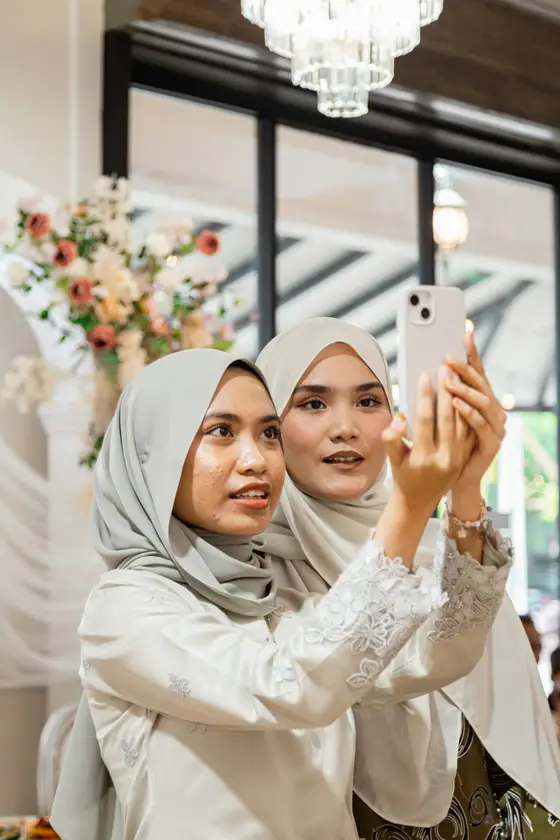
- Guests scan and upload. The gallery opens in the phone browser. They pick up to 30 photos at once, or shoot directly. Videos can be up to 60 seconds. If the signal drops, the upload resumes when it returns.
- Show it on the TV if you like. One link for a laptop or smart TV, and new photos appear with the guest's name. The venue needs internet, so use a phone hotspot if it has none.
- Download after the event. One zip in time order at original quality. iPhone HEIC photos are converted and videos are converted to play on any phone.
Tips to get guests to actually upload
- Say it out loud. Ask the emcee to announce it: "There is a QR code on your table, scan it and share your photos."
- Show the slideshow. When guests see their own photos on the screen, more of them join in.
- Help the elders. Ask a younger relative to scan for them, or share the link in the family group after the event.
- Use approval mode if you worry about unsuitable photos reaching the TV.
- Send the link again a day or two later. Many guests look at their phones then.
What it costs
Free is RM0: 50 uploads, every feature, kept 30 days after the event. RM59 one-time gives unlimited uploads (open for 6 months) and keeps photos for 1 year. RM99 one-time stays open for 12 months, keeps photos for 2 years and removes the Indahnya badge from the card. No subscription, no per-guest fee. Paid through CHIP, in Ringgit, including FPX online banking. Details on the pricing page.
What a QR gallery does not do
- It does not replace a photographer. It gathers angles the photographer could not reach.
- It does not print an album. Download the photos and print them yourself.
- The host signs in to manage the gallery. Guests skip the sign-in.
- Indahnya is not open to the public yet. See the QR photo gallery overview or WhatsApp us.
Related
The Malaysia-specific version, with dewan tables, venue wifi and elders, is wedding photo sharing in Malaysia. If you also need the invitation, read about digital wedding invitations in Malaysia.
Common questions
Can I check photos before other guests see them?
Yes. Turn on approval mode and photos show in the gallery and on the TV after you approve them. You can also hide or delete any photo.
What photo quality do I get?
Guests upload the original file from their phone. When you download everything as a zip, you get the original quality. The gallery itself shows lighter copies so it opens quickly.
How long are the photos kept?
Free: 30 days after the event. RM59: 1 year. RM99: 2 years. The count starts on the event day, not the day you created the gallery.
See it working first
Indahnya isn't open to the public yet. The sample majlis below is fictional and shows every part: the kad, the gallery, RSVP, seating and wishes.